Have you ever wondered how many private Instagram accounts you’ve requested to follow over the months or years, only to be left sitting on “Requested”?
In the past, Instagram had a simple “Access Data” menu where you could instantly view a list of all your outgoing follow requests. However, after recent interface and privacy updates, that direct menu was removed.
The good news? You can still find out exactly how many follow requests you have sent and who hasn’t accepted them yet. Here is the step-by-step process to pull up your sent requests on both mobile and desktop.
Step 1: Request Your Instagram Account Data
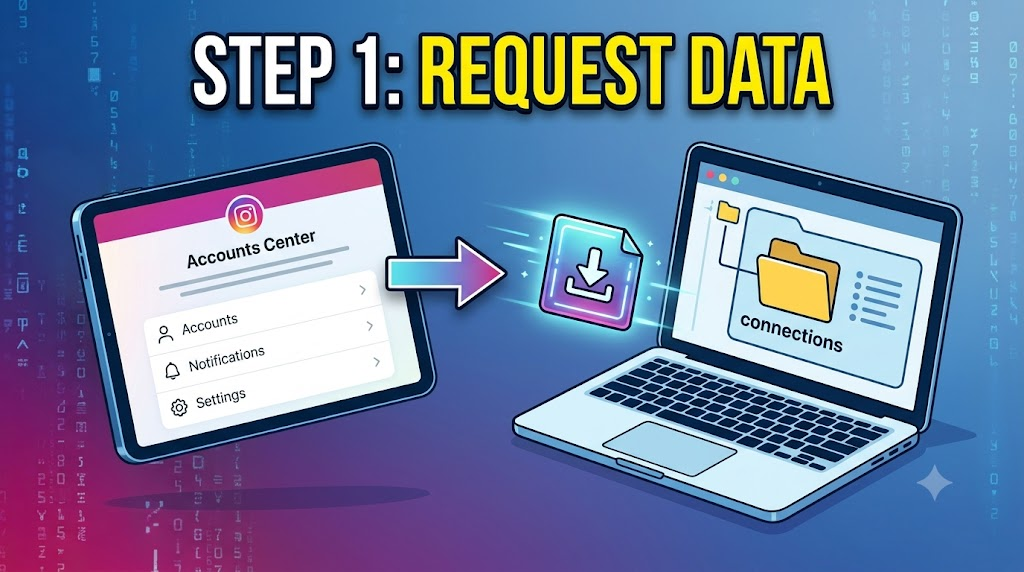
Because Instagram no longer displays pending sent requests directly inside the app settings, you need to request a copy of your account data. Instagram compiles this file within a few minutes to a few hours.
On Mobile (iOS & Android)
- Open the Instagram app and go to your profile.
- Tap the three horizontal lines (Hamburger Menu) in the top-right corner.
- Select Accounts Center (or scroll down to Your Information and Permissions).
- Tap Download Your Information.
- Select Download or transfer information.
- Choose Some of your information.
- Scroll down to the Connections section and select Followers and Following.
- Set the format to HTML (easiest to view in a web browser) and choose your preferred date range (e.g., All time).
- Tap Submit Request.
Step 2: Download and Extract Your File
Once Instagram finishes compiling your data, you will receive an email and an in-app notification indicating your download is ready.
- Go back to Accounts Center > Download Your Information.
- Tap Download next to your recent request and enter your password to confirm.
- Unzip/extract the downloaded
.zipfile on your phone or computer.
Step 3: View Your Sent Follow Requests
- Open the extracted folder.
- Navigate to the connections (or followers_and_following) subfolder.
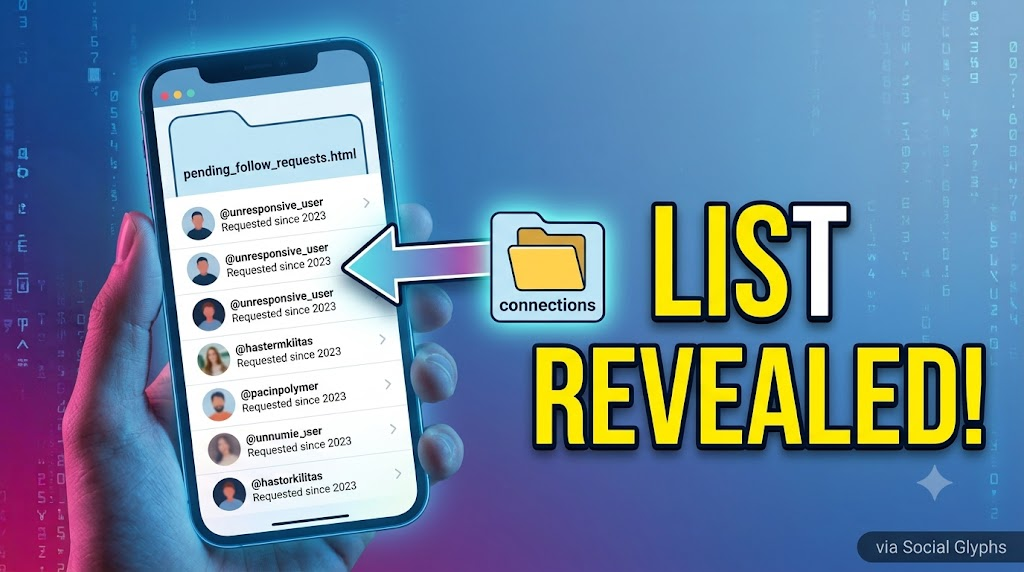
- Look for a file named
pending_follow_requests.html(or.json). - Double-click the file to open it in your browser.
Inside, you will see a clean list containing every single Instagram handle that currently has a pending follow request from your account. The total count of names on this list is the exact number of follow requests you have sent that haven’t been accepted or rejected yet.
How to Cancel Pending Instagram Follow Requests
If you want to clear out old requests:
- Copy the username from your
pending_follow_requests.htmlfile. - Search for the username in the Instagram search bar.
- Tap the Requested button on their profile to cancel the request.
Pro Tip: Don’t cancel dozens of requests per minute using automated tools. Instagram’s anti-spam algorithms flag rapid actions, which can result in temporary action blocks on your account. Cancel them manually at a steady, human pace.
Frequently Asked Questions
Why can’t I see sent follow requests directly in the app anymore?
Instagram updated its user interface to streamline the settings menu and emphasize user privacy, removing quick access to historical account logs via the standard app settings.
Is there an official limit on how many follow requests you can send?
Yes. Instagram restricts accounts to around 150 to 200 follow/unfollow actions per day (depending on account age and trust score) to prevent spamming.
Can third-party apps show my sent requests instantly?
Be extremely cautious with third-party apps promising to display your pending requests instantly. Most of these apps require your Instagram login credentials, which violates Instagram’s Terms of Service and can lead to account suspension or compromise. Always use Instagram’s official data download feature.