SocialGlyphs
How to Turn Off Active Status on Instagram (and the Catch Nobody Mentions)
To turn off active status on Instagram, open Settings and activity, tap Messages and story replies, then Show activity status. Here's what changes when you do.
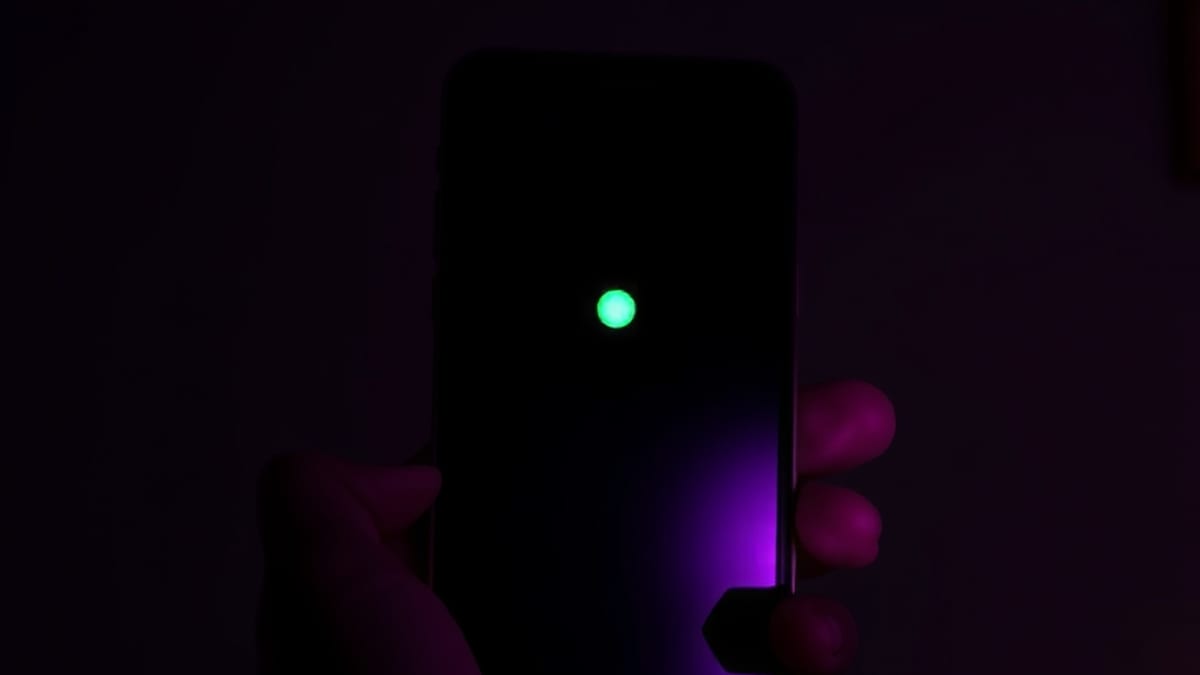
To turn off active status on Instagram, go to your profile, tap the menu (three lines in the top right), then tap Messages and story replies, then Show activity status, and switch it off. After that, people stop seeing the green dot on your profile picture and the “Active now” or “Active 3h ago” line under your name in their DMs.
There’s one catch: it works both ways. Once yours is off, you can’t see anyone else’s activity status either.
Steps to hide your active status
The setting has moved a few times over the years. In the current app it lives here:
- Open your profile and tap the three lines in the top right.
- Scroll to “How others can interact with you” and tap Messages and story replies.
- Tap Show activity status.
- Turn off Show activity status.
If you manage more than one account, the setting is per account, so repeat it on each one. If you can’t find the menu, type “activity status” into the search bar at the top of Settings and activity.
What turning it off actually hides
Instagram says accounts you follow and anyone you message can see when you were last active. Switching the setting off hides the green dot next to your profile picture in DMs and the “Active now” or “Active 15m ago” text in chats. If you’re curious what that dot means when you see it on other people, we explain it in what the green dot means on Instagram.
Before you turn it off, it’s worth knowing what stays visible. Seen receipts in DMs are a separate setting, so people can still see “Seen” under their messages unless you also turn those off. Our guide on turning off read receipts on Instagram walks through that one. The typing bubble can also still appear while you’re writing a reply in an open chat.
The trade-off: you can’t see theirs either
Instagram makes this a two-way setting. With your activity status off, the green dots and “Active” lines disappear from your view of everyone else too. It’s the same trade WhatsApp makes with last seen and Instagram makes with read receipts: you can’t hide yourself and keep watching other people.
For a lot of people that’s fine. If you mainly want to stop a particular person seeing when you’re on, there are narrower options. Restricting someone hides your activity status from them without changing it for everyone else, and they aren’t told you did it. (If you’re on the other side, here’s how to know if someone restricted you on Instagram.)
Why your status might still show
If someone tells you they can still see you as active after you switched it off, give it a little time. The change syncs across devices and isn’t always instant. Also check that you changed the right account, since the setting doesn’t carry over between accounts on the same phone.
Also remember that anything you actively post still shows up. A note, a story or a reply to someone’s story is visible to the people it’s meant for, whatever your activity status says. The Instagram symbols guide covers the other dots and rings you’ll see in the app.
Frequently asked questions
Can someone tell I turned off my active status?
Instagram doesn't notify anyone. They'll just stop seeing 'Active now' or 'Active 2h ago' under your name, which looks the same as you not having been online.
If my status is off, can people still see I'm typing?
Yes. The typing bubble in an open chat isn't controlled by this setting, and neither are seen receipts.
Does turning it off on my phone hide it everywhere?
The setting belongs to your account, so it applies on the web and other devices you're logged into, though it can take a little while to update everywhere.

Affan Ahmed is an SEO specialist with a BSc in Computer Science who has worked in search and social media marketing since 2022. He tests every symbol and feature on SocialGlyphs on his own phone before writing about it.