SocialGlyphs
One Grey Tick, Two Grey Ticks, Two Blue Ticks: What Each One Means on WhatsApp
On WhatsApp, one grey tick means sent, two grey ticks mean delivered and two blue ticks mean read. Here's why a message can stay on one tick, and what groups do.
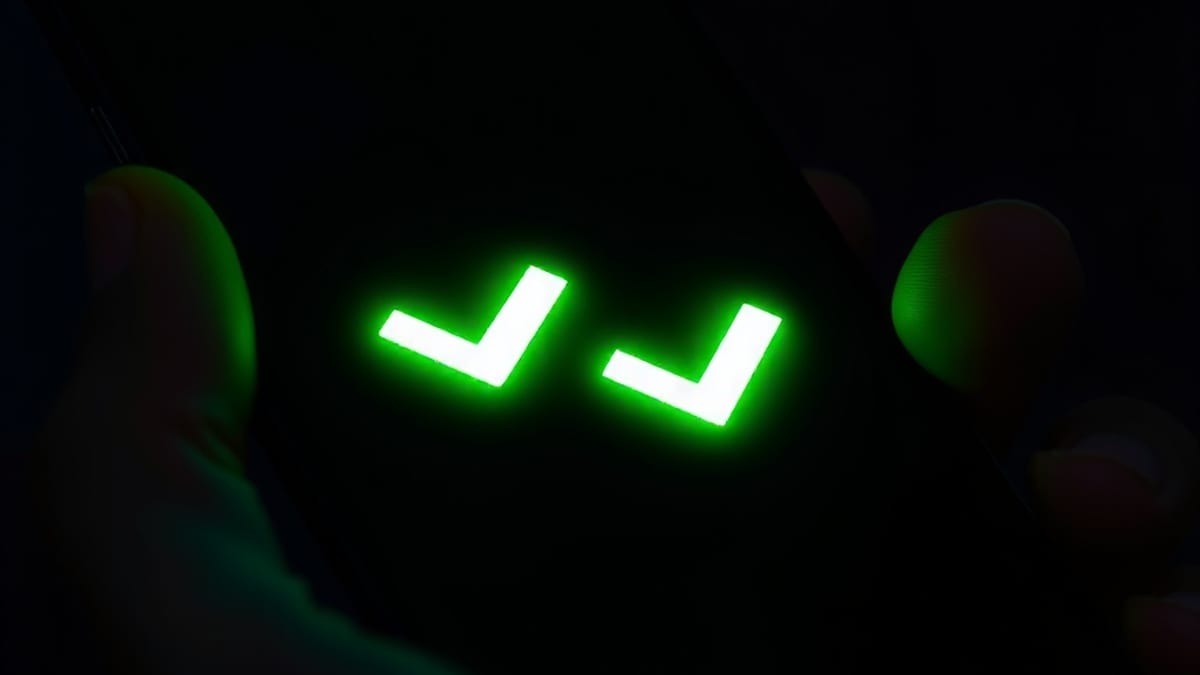
On WhatsApp, one grey tick means your message was sent, two grey ticks mean it was delivered to the other person’s phone, and two blue ticks mean they read it. If you see a small clock instead of a tick, the message hasn’t left your phone yet.
The ticks move in that order, so you can always tell how far a message has got. The confusing part is when they stop moving, and that has a few different explanations.
What each tick means
| What you see | What it means |
|---|---|
| Clock | Still sending. Usually your connection. |
| One grey tick | Sent from your phone to WhatsApp’s servers |
| Two grey ticks | Delivered to their phone |
| Two blue ticks | They opened the chat and read it |
| Blue microphone | They played your voice message |
Why is my WhatsApp message stuck on one tick?
One grey tick means WhatsApp has your message but couldn’t hand it to their phone yet. The most common reason is that their phone is off, out of signal, or has no data. It’s also normal if they haven’t opened WhatsApp in a while, since some phones put inactive apps to sleep.
The other reason is a block. WhatsApp says messages sent to someone who has blocked you will always show one tick and never get delivered. So one tick for a few hours means very little. One tick for days, plus no profile photo and no “last seen”, starts to point toward a block.
If the clock never turns into a tick, the problem is on your side. Check your internet connection, then close and reopen the app.
Two grey ticks but no blue ticks
Two grey ticks mean the message is on their phone, but they haven’t opened your chat. They might simply not have read it yet.
They may also have turned off read receipts. When someone does that, their ticks never turn blue for you, and yours don’t turn blue for them either. WhatsApp makes it a two-way trade. If they were online and still haven’t gone blue for days, that’s the likely explanation.
As with other apps, reading a message from a notification doesn’t always count as opening the chat, so a message can be read and still show grey.
How blue ticks work in group chats
In a group, the second tick only appears once the message has been delivered to every member, and the ticks only turn blue once everyone has read it. One person with their phone off keeps the whole message grey.
To see who has read it so far, open Message info. On iPhone, swipe left on your message. On Android, tap and hold the message, then tap the info icon (a small “i”). It lists who it was delivered to and who read it, with times.
Read receipts are always on in groups. Turning them off in your privacy settings only affects one-on-one chats.
How to turn off blue ticks
Go to Settings, then Privacy, then turn off Read receipts. You’ll stop seeing other people’s blue ticks too, and it doesn’t apply to groups or voice message plays. It’s the same trade-off Instagram makes, which we cover in how to turn off read receipts on Instagram. If what you really want is to keep your phone number private, WhatsApp usernames are the newer option.
If you use Snapchat as well, its system works differently: arrows instead of ticks, and “Opened” instead of blue. See what the blue arrow means on Snapchat for a side-by-side feel of how the two apps show “read”.
Seeing a dotted line under a phone number or date inside a message instead? That’s not a delivery mark at all. It’s a shortcut WhatsApp adds, explained in what the dotted underline means on WhatsApp.
A photo, video or message that says “Opened” instead of showing ticks was sent as view once, which can only be opened a single time. We explain how that works, including the new view once text messages WhatsApp is testing, in WhatsApp view once explained.
Frequently asked questions
Does one grey tick mean I'm blocked on WhatsApp?
Not on its own. It's also what you see when their phone is off or offline. A block only becomes likely if it stays on one tick for days and other signs line up.
Why are there two grey ticks but they were online?
They may have been chatting with someone else, or they've turned off read receipts, so your ticks never turn blue.
Do blue ticks show if read receipts are off in a group?
Yes. WhatsApp always sends read receipts in group chats, even if you've turned them off for one-on-one chats.
What does a blue microphone mean on WhatsApp?
Your voice message was played. Turning off read receipts doesn't stop this one.

Affan Ahmed is an SEO specialist with a BSc in Computer Science who has worked in search and social media marketing since 2022. He tests every symbol and feature on SocialGlyphs on his own phone before writing about it.