SocialGlyphs
Why WhatsApp Is Suddenly Showing Your Latest Photo in Chats (and How to Turn It Off)
WhatsApp's new Recent media suggestions shows your newest gallery photo in the chat bar. Nothing sends by itself. Here's how it works and how to turn it off.
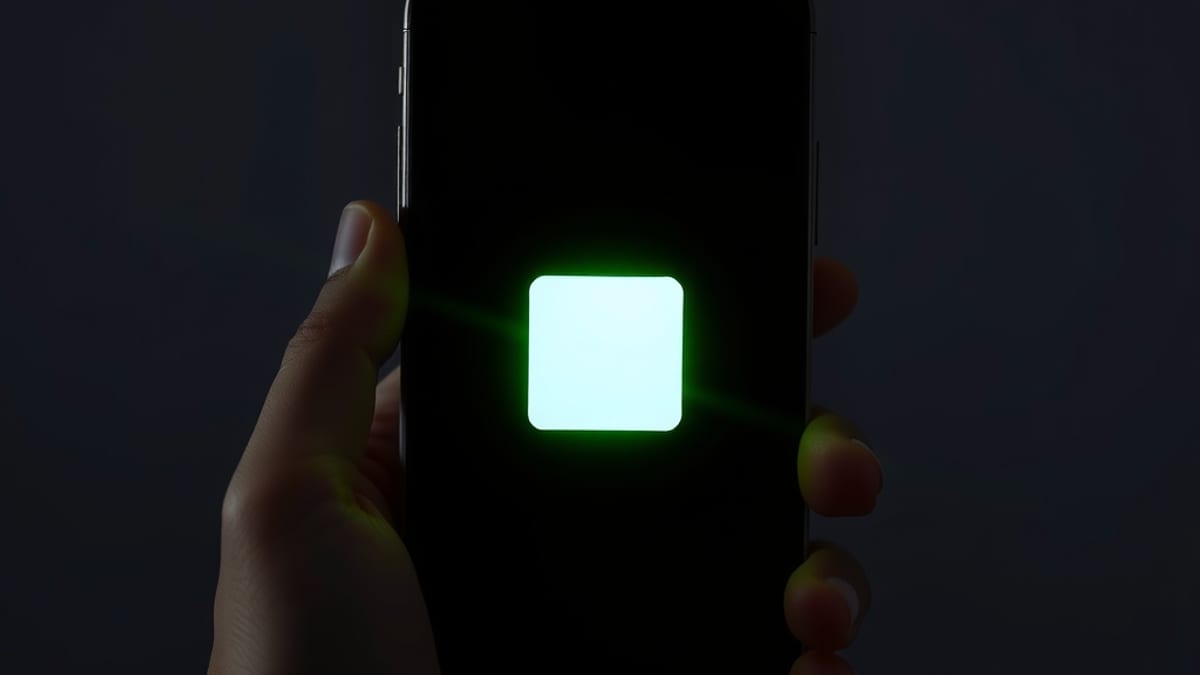
If a small preview of your latest photo has started popping up when you open a WhatsApp chat, that’s a new feature called Recent media suggestions. It’s a shortcut for sending the newest photo or video in your gallery, and it doesn’t send anything on its own: you have to tap it, and then tap send.
WhatsApp started rolling it out to some Android and iPhone users in early November 2026, according to WABetaInfo, which tracks WhatsApp updates. It’s switched on automatically for accounts that get it, which is why so many people are noticing it without having changed anything.
What the photo in your chat bar actually is
WhatsApp is testing two versions, and each account gets one of them. In the first, a small pop-up appears just above the chat bar when you open a conversation. It shows a thumbnail of your newest photo or video and offers to send it, with a close button to dismiss it.
In the second version, there’s no pop-up. Instead, the camera icon at the right of the chat bar is temporarily replaced by a thumbnail of your latest picture. That one confuses people more, because the camera button seems to have vanished and a random photo is sitting in its place.
Why it might show a photo you’d rather keep private
WhatsApp doesn’t pick a “good” photo to suggest. It simply takes the most recent item in your gallery, whatever it is. That includes screenshots, images saved from the web and videos downloaded from other apps.
So if the last thing you saved was a screenshot of a private conversation or your banking app, that’s what shows up as the suggestion. Only you can see it, and it won’t be sent unless you send it. Still, if people often look at your screen while you’re chatting, it’s worth knowing about.
What happens when you tap it
Tapping the thumbnail opens WhatsApp’s normal photo editor, the same one you get when you pick a picture yourself. You can add a caption, a sticker or a drawing, then send it. If you change your mind, close the editor and nothing goes out. The other person never sees the suggestion unless you send it.
How to turn off Recent media suggestions
The setting is in the same place on Android and iPhone:
- Open WhatsApp and go to Settings.
- Tap Chats.
- Find Recent media suggestions and switch the toggle off.
That stops both the pop-up and the thumbnail that replaces the camera icon. If you don’t see the toggle, your account doesn’t have the feature yet. It’s a staged rollout, and WhatsApp hasn’t said when everyone will get it. There’s no way to force it to appear.
WhatsApp hasn’t published a help page about this feature yet, so the setting name comes from reports of the rollout. If WhatsApp renames it or moves it, we’ll update this page.
Is this the same as WhatsApp asking for photo access?
No. WhatsApp can only suggest your latest photo if it already has access to your photos, which most people allow the first time they send a picture. Turning the suggestions off only removes the shortcut. It doesn’t change whether WhatsApp can see your gallery. That’s controlled in your phone’s settings, under WhatsApp’s photo permission.
Other things in your WhatsApp chat that look new
If you’re checking what the other icons around your messages mean, our guide to what the ticks mean on WhatsApp covers grey and blue ticks, and what the clock icon means on WhatsApp explains the little clock that appears when a message is stuck.
Frequently asked questions
Can WhatsApp send my photo without me tapping send?
No. Tapping the suggestion only opens the editor. The photo goes out only when you press send, and you can close the editor without sending.
Why don't I have the Recent media suggestions setting?
It's rolling out gradually to some users first. If the toggle isn't in Settings > Chats, your account doesn't have the feature yet, so there's nothing to turn off.
Does the other person see my suggested photo?
No. The thumbnail is only shown on your own screen until you choose to send it.

Affan Ahmed is an SEO specialist with a BSc in Computer Science who has worked in search and social media marketing since 2022. He tests every symbol and feature on SocialGlyphs on his own phone before writing about it.