SocialGlyphs
Two Arrows on Snapchat Mean Someone Took a Screenshot. The Color Tells You of What
Double arrows on Snapchat mean your friend took a screenshot. Red, purple or blue tells you whether it was a photo Snap, a video Snap or your Chat.
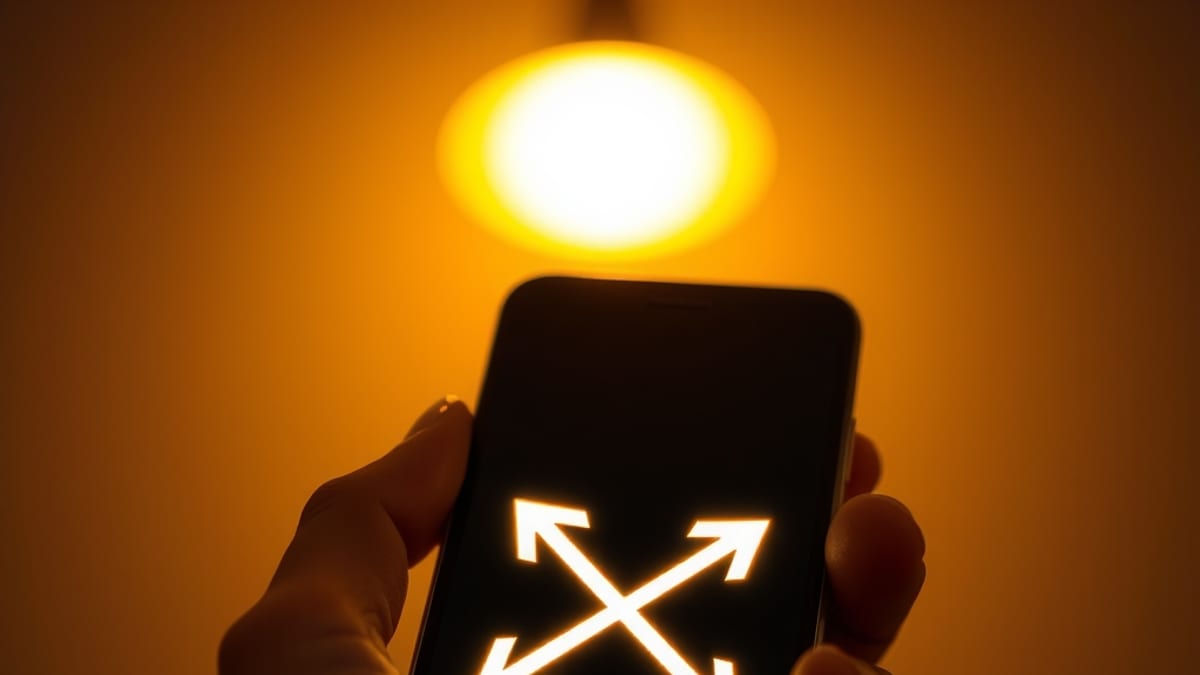
Two arrows pointing in opposite directions next to a friend’s name mean they took a screenshot of something you sent them. The color of the arrows tells you what they screenshotted: red for a Snap without sound, purple for a Snap with sound, and blue for your Chat.
Snapchat shows the double arrows in place of the usual “Opened” status, with the word “Screenshot” underneath. Snapchat also drops a small note into the conversation itself, so you’ll see a line like “[Name] took a screenshot of Chat!” when you open it.
Why Snapchat shows a screenshot icon
Snapchat was built around messages that disappear. A screenshot is the one thing that breaks that, so the app tells you whenever it happens. The double arrows are the chat-list version of that warning. They don’t stop anyone from saving your Snap, but they make sure you know it was saved.
The arrows follow the same color rules as every other Snapchat icon. That means you can read them at a glance without opening the conversation. If you need a refresher on the colors and shapes, our Snapchat symbols chart covers the full set.
Red, purple and blue double arrows
Red double arrows mean they screenshotted a Snap without sound, which is usually a photo. Purple double arrows mean it was a Snap with sound, normally a video, and the screenshot caught a frame of it. Blue double arrows mean they screenshotted your Chat, so your typed messages are saved on their phone.
Blue is the one people overlook. A lot of users assume screenshots only count for photos, but Snapchat alerts for Chats too. If you’ve been sending something private in text, the blue arrows are your sign it now exists outside the app.
Is this the same as the replay icon?
No, and they’re easy to mix up. The replay icon is a single arrow bent into a circle. It means your friend watched your Snap a second time. The screenshot icon is two separate arrows crossing in opposite directions. Both keep the color rule, so a red circle arrow is a replayed photo Snap and red crossed arrows are a screenshotted one.
Screenshots of stories work differently
When someone screenshots your story, nothing changes in your chat list. Instead, open your story and swipe up to see who viewed it. Anyone who took a screenshot has the double arrow icon next to their name. The story view list only lasts as long as the story does, so check it before the 24 hours run out.
What should you do if someone screenshots your Snap?
Most of the time it’s harmless. People screenshot funny Snaps, a recipe, an address or a plan for the weekend. If it bothers you, ask them. A quick “why’d you screenshot that?” usually gets an honest answer.
If it’s something you didn’t want saved, you can’t unsend the screenshot, but you can delete the Chat for both sides (press and hold the message, then Delete). It won’t remove what’s already on their phone. It does stop more of the conversation being captured later. If a screenshot is being shared to embarrass or pressure you, you can report the account from its profile and block it.
The safest habit is the obvious one: assume anything you send on Snapchat could be saved. The arrows just tell you when that actually happened. For the emojis next to friends’ names (which follow different rules), see our guide to Snapchat friend emojis, and for a stuck message, what the grey arrow on Snapchat means.
Frequently asked questions
Does Snapchat tell people when you screenshot a story?
Yes. The person who posted it sees a double arrow icon next to your name in their story viewer list.
Do the double arrows go away?
They stay until a newer Snap or Chat in that conversation replaces the status, just like any other icon in your chat list.
Does screen recording show the same icon?
Snapchat also tries to detect screen recordings, and they're usually reported the same way as a screenshot. Detection isn't perfect, so treat it as likely rather than guaranteed.
Can I take a screenshot without Snapchat telling them?
Not through the app. Snapchat sends the alert whenever it detects a screenshot, and we don't recommend workarounds that try to hide it.

Affan Ahmed is an SEO specialist with a BSc in Computer Science who has worked in search and social media marketing since 2022. He tests every symbol and feature on SocialGlyphs on his own phone before writing about it.