SocialGlyphs
X Just Gave iPhone Users a Dozen New App Icons. Here's Who Gets Them and How to Switch
X added more than a dozen new app icons for iPhone and iPad, mostly space-themed. They're for X Premium subscribers. Here's how to change your X app icon.
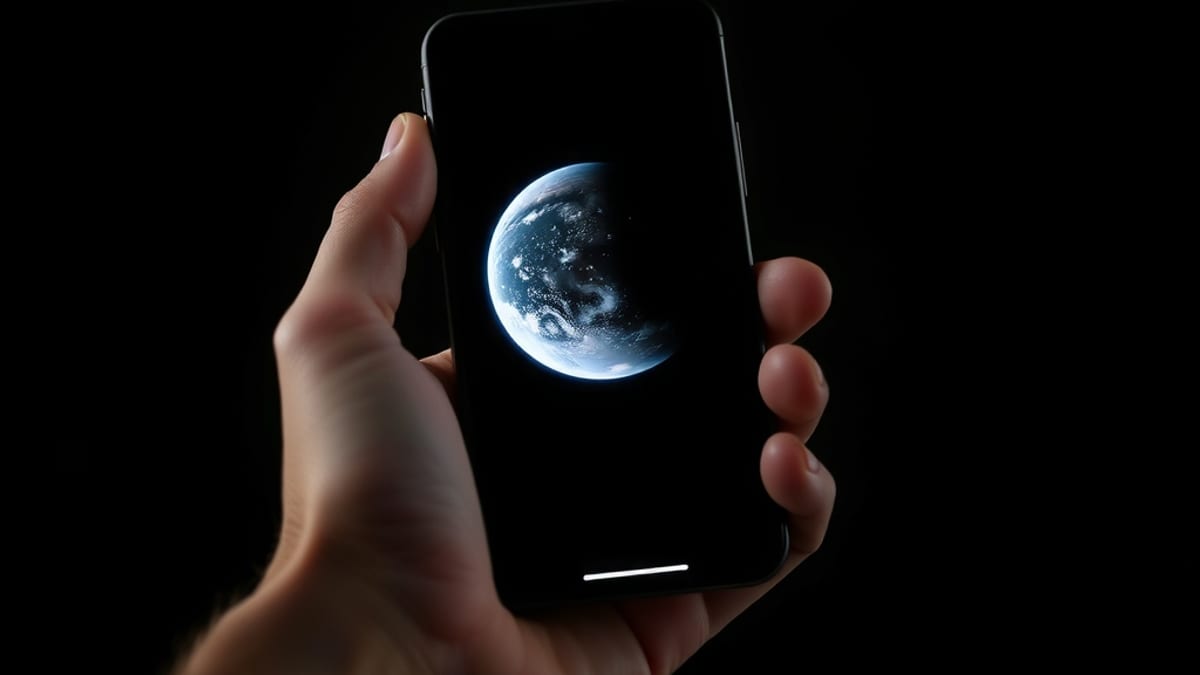
X added more than a dozen new app icons to its iPhone and iPad app at the start of November, and a lot of them are space-themed. If a friend’s X icon suddenly looks like a planet or a starfield instead of the usual black square, that’s why. You need an X Premium subscription to use them, and the black icon is still the default for everyone else.
What changed with the X app icon
9to5Mac spotted the new set on November 2, 2026. Reports describe it as a refresh of the alternate icons Premium subscribers could already pick, with a wider range of designs. Most lean on space imagery, and the familiar black X stays the default.
Nothing else in the app changes when you switch. It’s purely cosmetic, the same idea as the custom icons Snapchat+ and Telegram Premium offer. The point is a small perk that makes the paid tier visible every time you pick up your phone.
X hasn’t published a full list of the designs, and the count varies between reports (“a dozen” in some, “more than a dozen” in others). Open the picker yourself to see the exact set your version has.
Who gets the new icons
Custom icons are part of X Premium. The X Help Center lists “Customizing your X app icon” among the Premium features, so a free account won’t see the option. If you’re on the Basic tier, check the picker anyway: X’s tiers have shifted several times, and it doesn’t spell out per tier which perks are included.
The new set was reported on the iPhone and iPad app. X hasn’t said anything about Android, so if you’re on an Android phone and don’t see new designs, that’s expected for now.
How to change your X app icon
The menu has moved around between app versions, so you may see one of two paths. Recent reports put the icons under Settings, then Subscription, then App Icons. The X Help Center describes the older route:
- Tap your profile picture to open the menu, then tap Premium.
- Tap Preferences, then Extras.
- Tap App Icon.
- Pick the icon you want. A green check appears under the one you chose.
iOS may show a small pop-up saying the app icon changed. That’s normal and only appears once. If you don’t see any of these menus, update X from the App Store first, since the new set arrived with an app update.
Why does my X icon look different when I didn’t change it?
If you didn’t touch the setting, your icon shouldn’t change on its own. The usual explanation is that someone else on the device switched it (on a shared iPad, for example), or you’re looking at a friend’s phone. If the icon on your home screen looks wrong after an update, open the picker and select the default black icon again.
What the icon doesn’t tell you
A space-themed X icon on someone’s phone tells you one thing: that account pays for Premium. It doesn’t mean the account is verified by X as notable, and it says nothing about the person’s settings or privacy. If you’re trying to work out whether a private account accepted you, the icon won’t help, but checking your sent follow requests on X will.
Apps keep adding paid icons and badges like this, and they’re easy to confuse with symbols that actually mean something. Our Snapchat symbols chart is a good example of icons that do carry meaning, where the color and shape change depending on what happened to your message.
Frequently asked questions
Are the new X app icons free?
No. Custom app icons are listed as an X Premium feature, so free accounts keep the standard black icon.
Can I get the new X icons on Android?
The new set was reported for the iPhone and iPad app. X hasn't said whether Android gets the same designs.
Does changing the icon change anything else in the app?
No. It only changes the picture on your home screen. Your feed, settings and account stay exactly the same.
What happens to my icon if I cancel Premium?
X hasn't said. Expect the option to disappear from settings, so you may end up back on the default icon.

Affan Ahmed is an SEO specialist with a BSc in Computer Science who has worked in search and social media marketing since 2022. He tests every symbol and feature on SocialGlyphs on his own phone before writing about it.