SocialGlyphs
A Purple Arrow on Snapchat Means You Sent a Snap With Sound. Filled or Hollow Tells You If They Watched It
A purple arrow on Snapchat means you sent a Snap with sound, usually a video. Filled means it's delivered but unopened, hollow means they opened it.
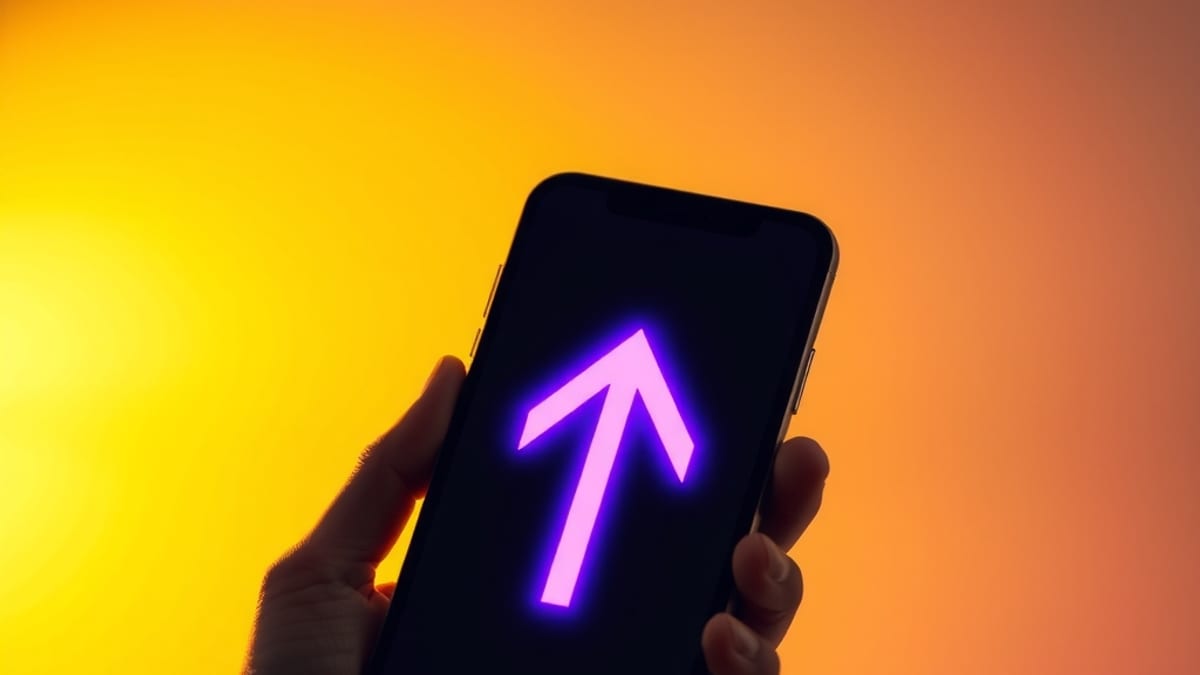
A purple arrow on Snapchat means you sent a Snap with sound, which in practice is almost always a video. A filled purple arrow means it was delivered but your friend hasn’t opened it yet. A hollow purple arrow, just the outline, means they opened it.
That covers most of it. The arrow tells you the direction (you sent it) and the purple tells you the type (a Snap with audio). The same color and shape rules run through every icon in your chat list.
Why purple and not red or blue
Snapchat colors its icons by what kind of message you sent. Red is a Snap without sound, which is usually a photo. Purple is a Snap with sound. Blue is a Chat, so a typed message.
The detail people miss is that the color follows the sound, not the format. If you record a video and mute it before sending, Snapchat treats it as a Snap without audio and gives it a red arrow. So a purple arrow always means your friend will hear something when they open it.
Filled vs hollow purple arrow
Right after you send a video Snap, you’ll see a filled purple arrow with the word “Delivered” next to your friend’s name. That means it reached their phone and is waiting for them.
When they open it, the arrow turns hollow and the label changes to “Opened” with a timestamp. That’s all the information Snapchat gives you. It doesn’t tell you whether they watched the full ten seconds or tapped away after one, and it doesn’t say whether they had the sound on.
If the arrow stays filled for a long time, they just haven’t opened Snapchat or haven’t gotten to your Snap yet. Snapchat deletes unopened Snaps after 30 days, so a Snap left on Delivered long enough will eventually expire.
What a grey arrow means instead
If you see a grey arrow with “Pending” rather than a purple one, your Snap didn’t go through. Usually the person hasn’t added you back or removed you as a friend, and occasionally it’s a connection problem. We explain how to tell those apart in our guide to the grey arrow on Snapchat.
Purple screenshot and replay icons
Two other purple shapes tell you what your friend did after opening your Snap. Two overlapping purple arrows pointing in opposite directions mean they took a screenshot of your video. A circular purple arrow means they replayed it.
On their side, your Snap shows up as a purple square: filled until they open it, hollow afterwards. The arrow you see and the square they see are mirror images of the same Snap.
Purple arrows and streaks
Video Snaps count toward a Snapstreak because they’re real Snaps. A blue arrow doesn’t, since Chats never count. If your streak is running low, sending a quick video works just as well as a photo. Our page on Snapstreak rules covers what counts and what doesn’t.
For the full set of colors and shapes side by side, see our Snapchat symbols guide.
Frequently asked questions
Does a purple arrow mean they watched the whole video?
No. A hollow purple arrow only means they opened the Snap. Snapchat doesn't show whether they watched it to the end.
Why is my video Snap showing a red arrow instead of purple?
Snapchat colors Snaps by sound, not by format. If the video was muted when you sent it, it counts as a Snap without sound and gets a red arrow.
What's the difference between a purple arrow and a purple square?
An arrow is something you sent and a square is something you received. Both being purple means the Snap had sound.
Do purple arrows count toward a streak?
Yes. A video Snap is a real Snap, so it counts toward a Snapstreak just like a photo does.

Affan Ahmed is an SEO specialist with a BSc in Computer Science who has worked in search and social media marketing since 2022. He tests every symbol and feature on SocialGlyphs on his own phone before writing about it.